Web Panel
The GPCORE web panel is available at panel.gpcore.io and provides a browser-based interface for managing your entire infrastructure. It is organized into two main areas: the project space, where you manage nodes, images, and project configuration, and user settings, where you manage your account, billing, SSH keys, and API credentials. No CLI or API knowledge is required to use the panel — everything from provisioning a server to downloading a bill can be done here.
Project Space
Everything in the panel revolves around projects. You need to be either an owner or a member of a project to access its resources. You can be a member of multiple projects and switch between them using the project switcher in the top right corner.
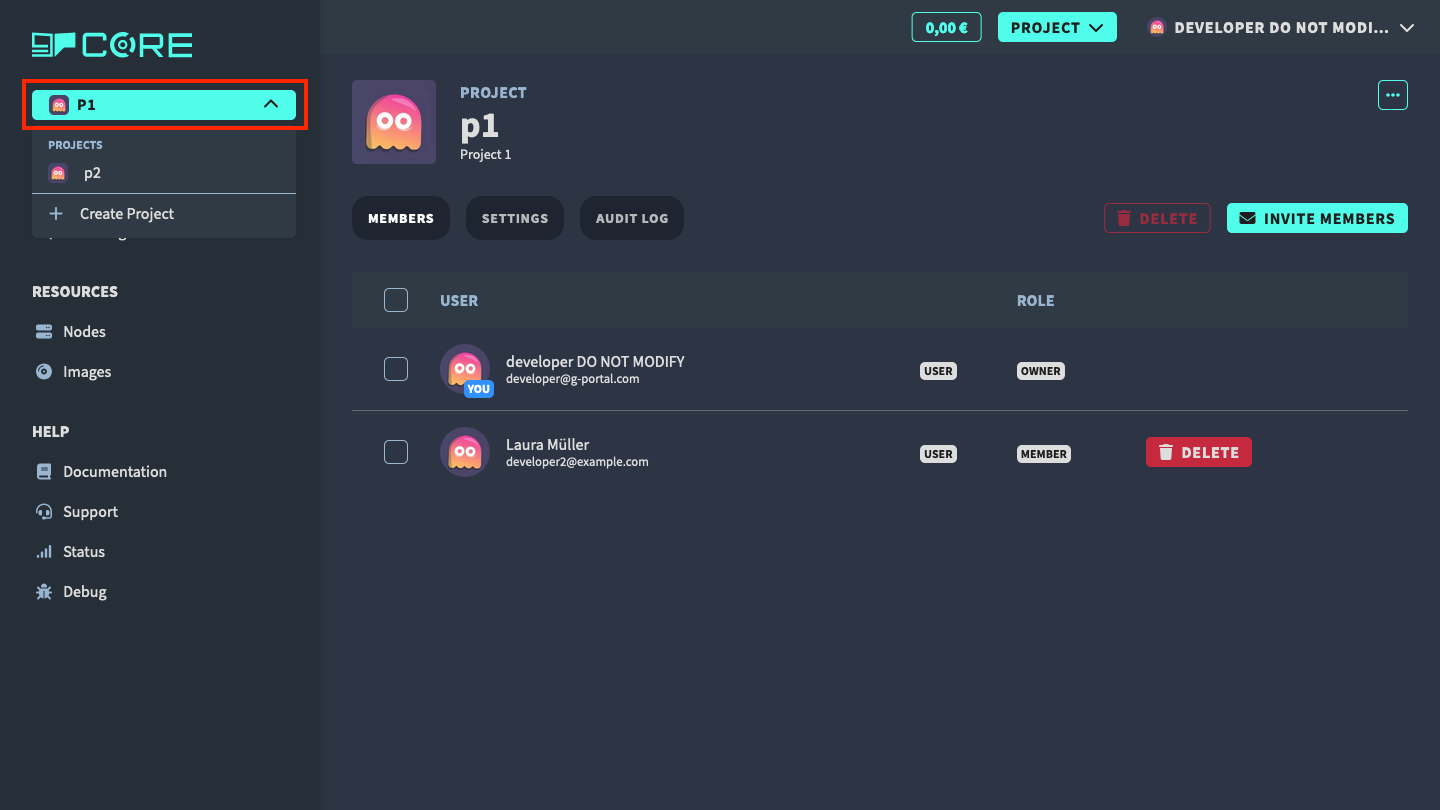
From the project space you can:
- Manage your project — create projects, invite members, view audit logs
- Create a node and manage nodes
- Manage project images — upload and maintain custom OS images
- Configure project settings — name, billing profile, and deletion
User Settings
In the user settings, you can manage your account.
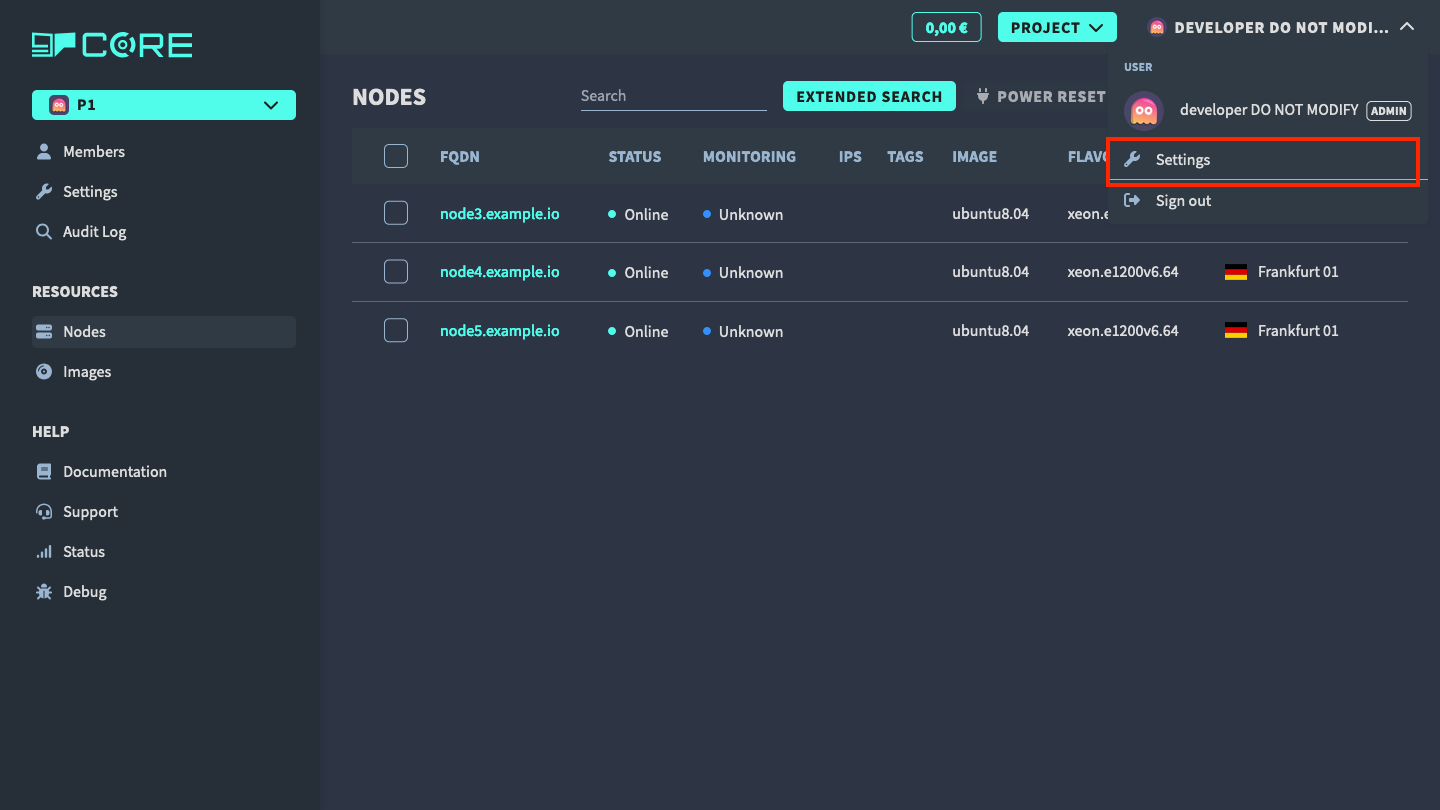
From user settings you can:
- Auth Settings — change username, email, password, and 2FA via Keycloak
- Billing Profiles — manage credit cards and billing addresses
- SSH Keys — add SSH public keys for node login
- OAuth Clients — create API credentials for programmatic access
Help and Support
- Documentation and guides (this site)
- Support page
- Status page