SSH Keys
SSH keys are used to authenticate with your nodes over SSH without a password. When creating a node with SSH key authentication, you select one of your stored keys and it is automatically injected into the node during provisioning. You can store multiple SSH public keys in your account and reuse them across any number of nodes and projects. Keys are managed in the user settings under the SSH Keys tab.
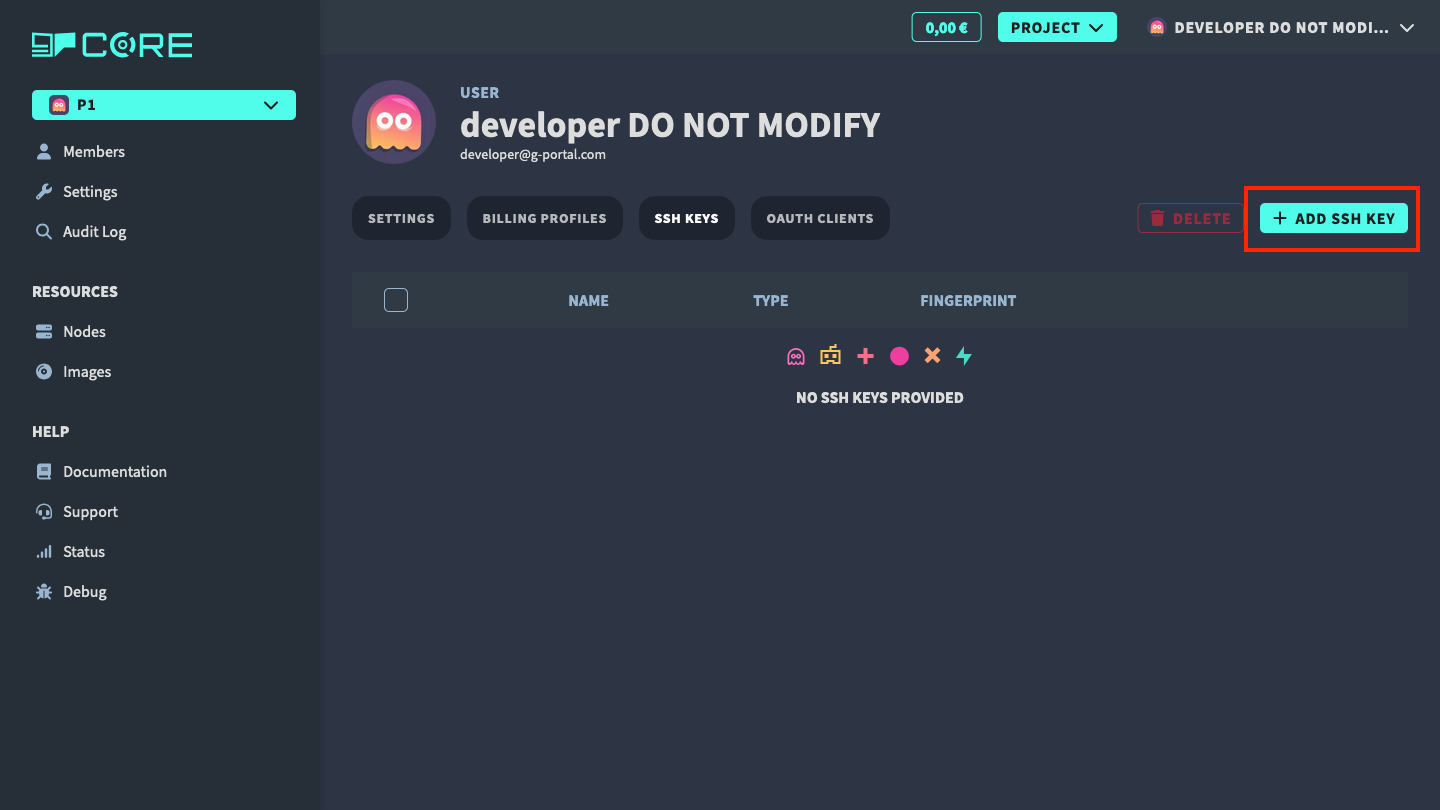
Add SSH public key
To add a new SSH public key, click on the Add button.
Fill in the form and submit it.
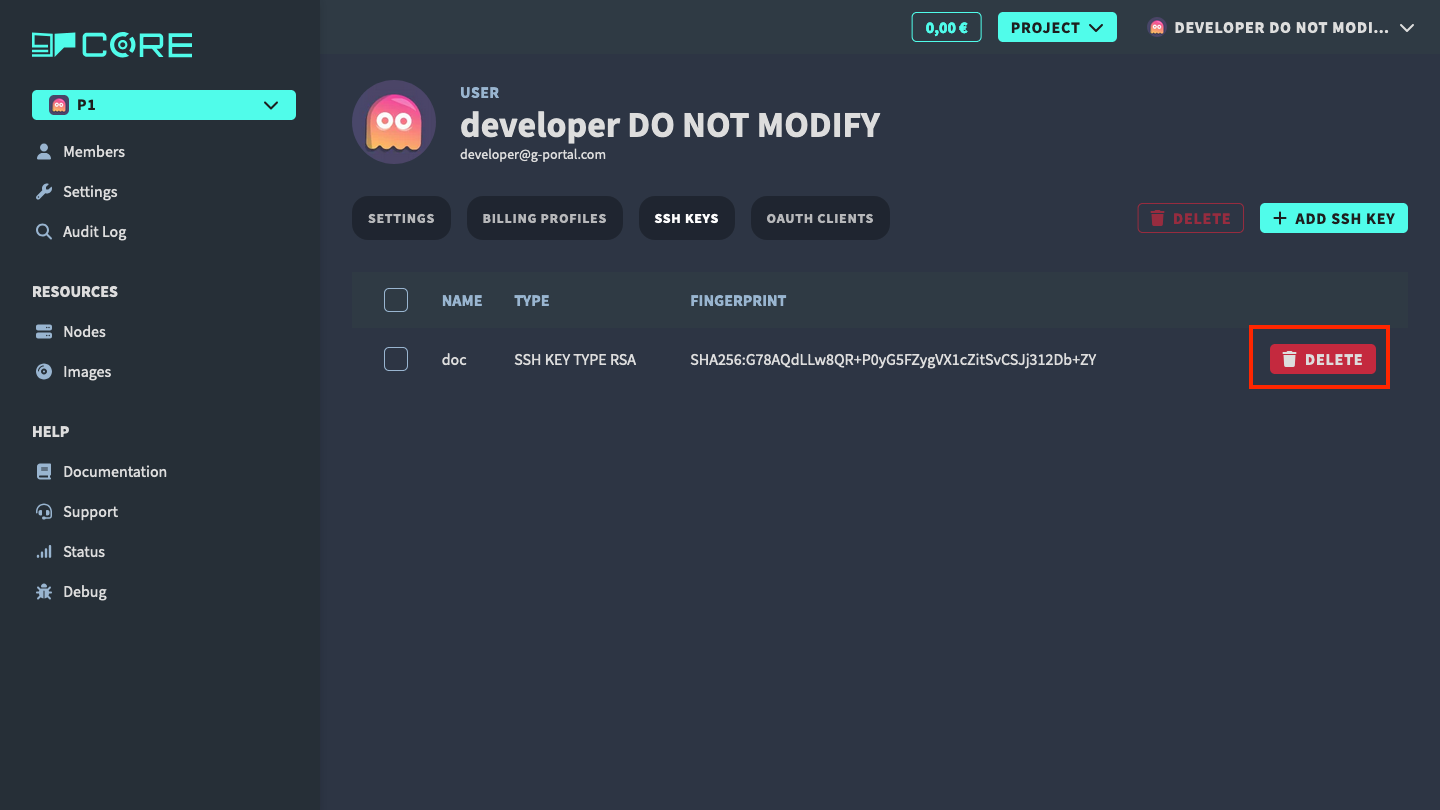
Delete SSH public key
To delete an SSH public key, click on the Delete button in the table row to
remove it.