User Settings
User settings contain everything related to your personal account, independent of any specific project. This is where you manage your login credentials, payment information, SSH keys, and API access. Changes made here apply across all projects you are a member of. You can access your user settings by clicking on the user icon in the top right corner of the panel and selecting Settings.
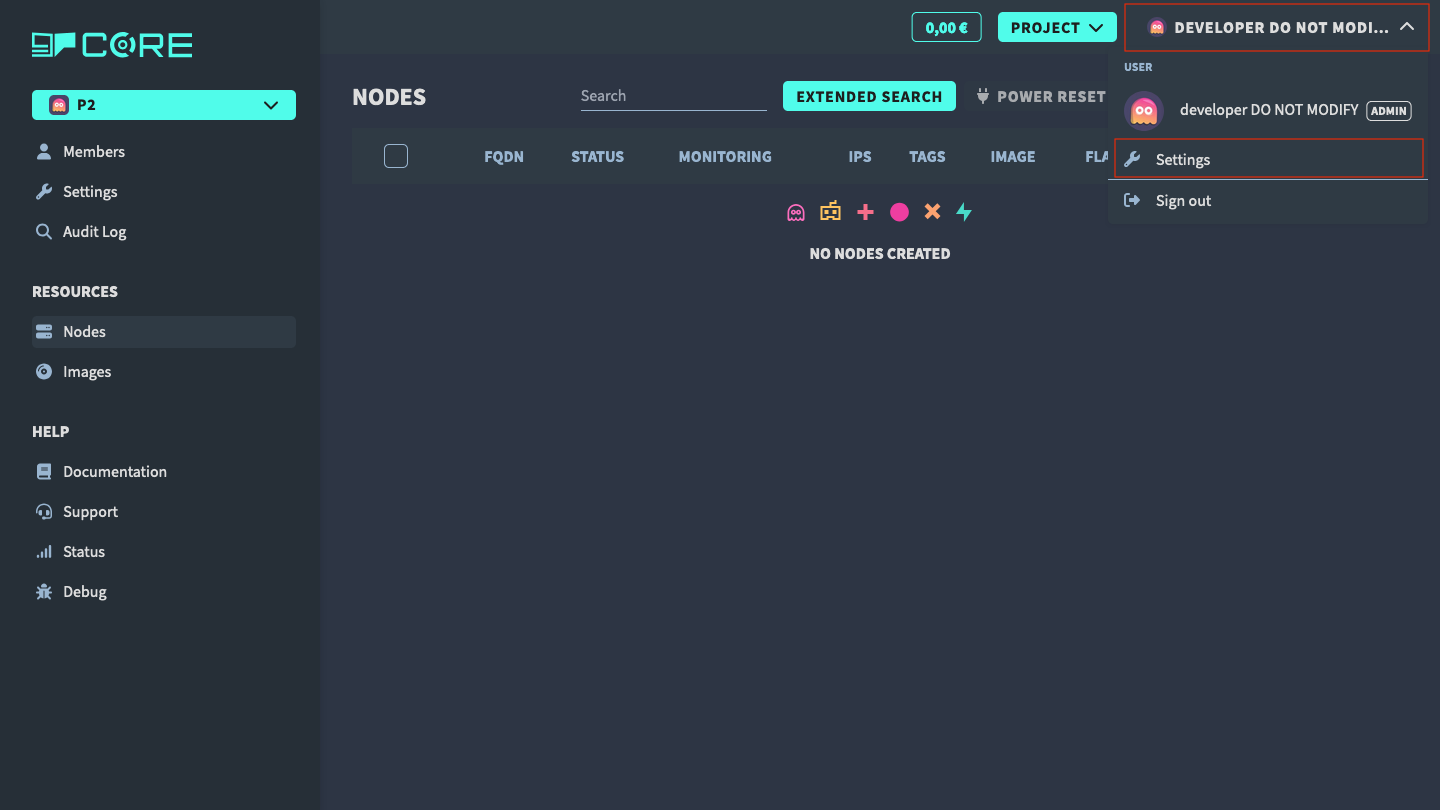
The user settings are divided into the following sections:
Auth Settings
Manage your account credentials via Keycloak: change your username, email, password, and set up or remove two-factor authentication (2FA).
Billing Profiles
Create and manage billing profiles. A billing profile is required before you can create any project or cloud resource. Each profile holds a credit card and a billing address.
SSH Keys
Add and manage SSH public keys. These keys can be selected as the login method when creating a new node.
OAuth Clients
Create and manage OAuth clients for programmatic API access. Each client provides a Client ID and Client Secret used to obtain JWT tokens for the gRPC API.