Project Settings
The project settings area is where you manage everything related to a project's configuration, access, and billing. It is divided into three tabs: members, settings, and audit logs. Only project owners have access to this area — regular members can view project resources but cannot change project-level configuration. Changes made here, such as renaming the project or switching the billing profile, take effect immediately.
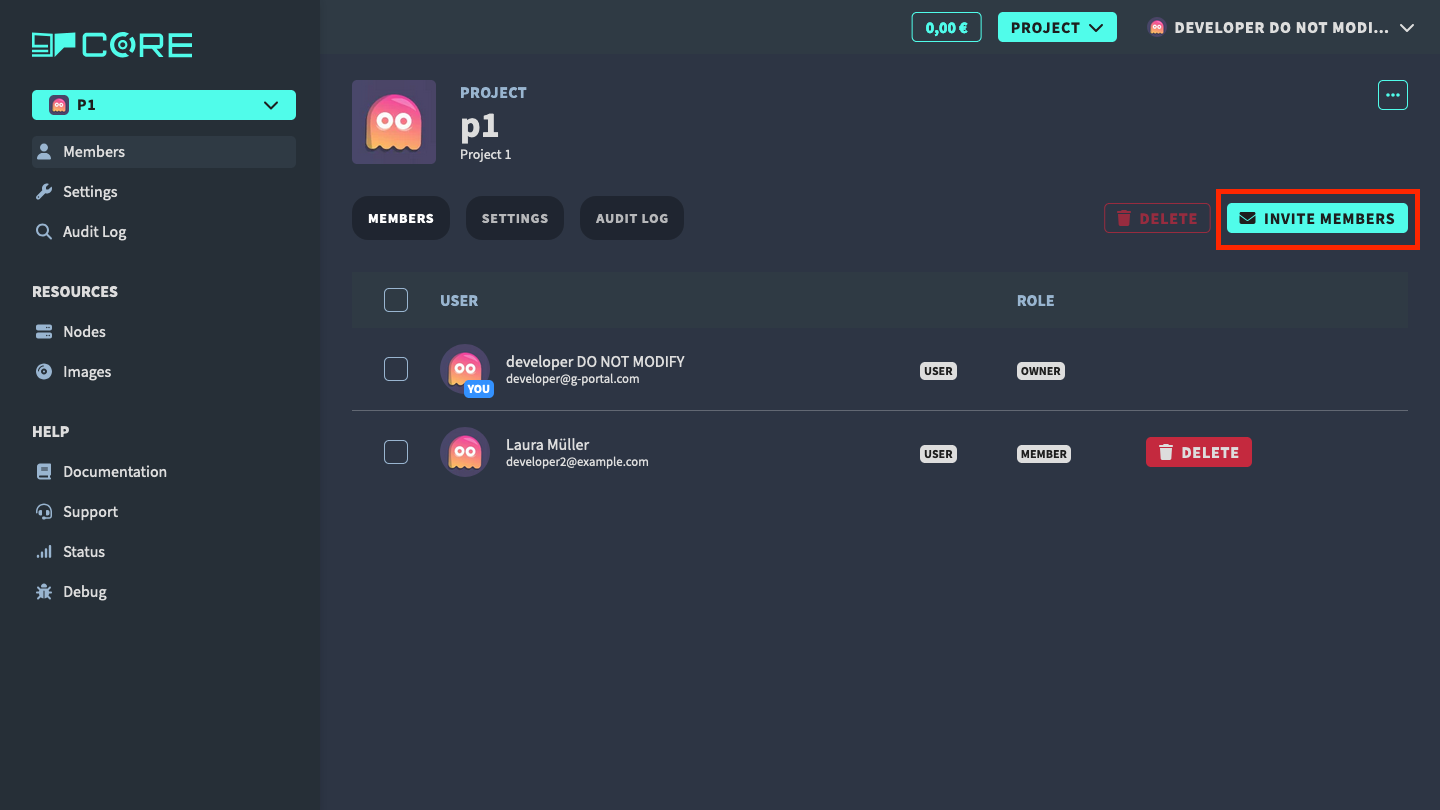
Project members
In the project members tab, you can manage the project members. You can add new members or remove existing members.
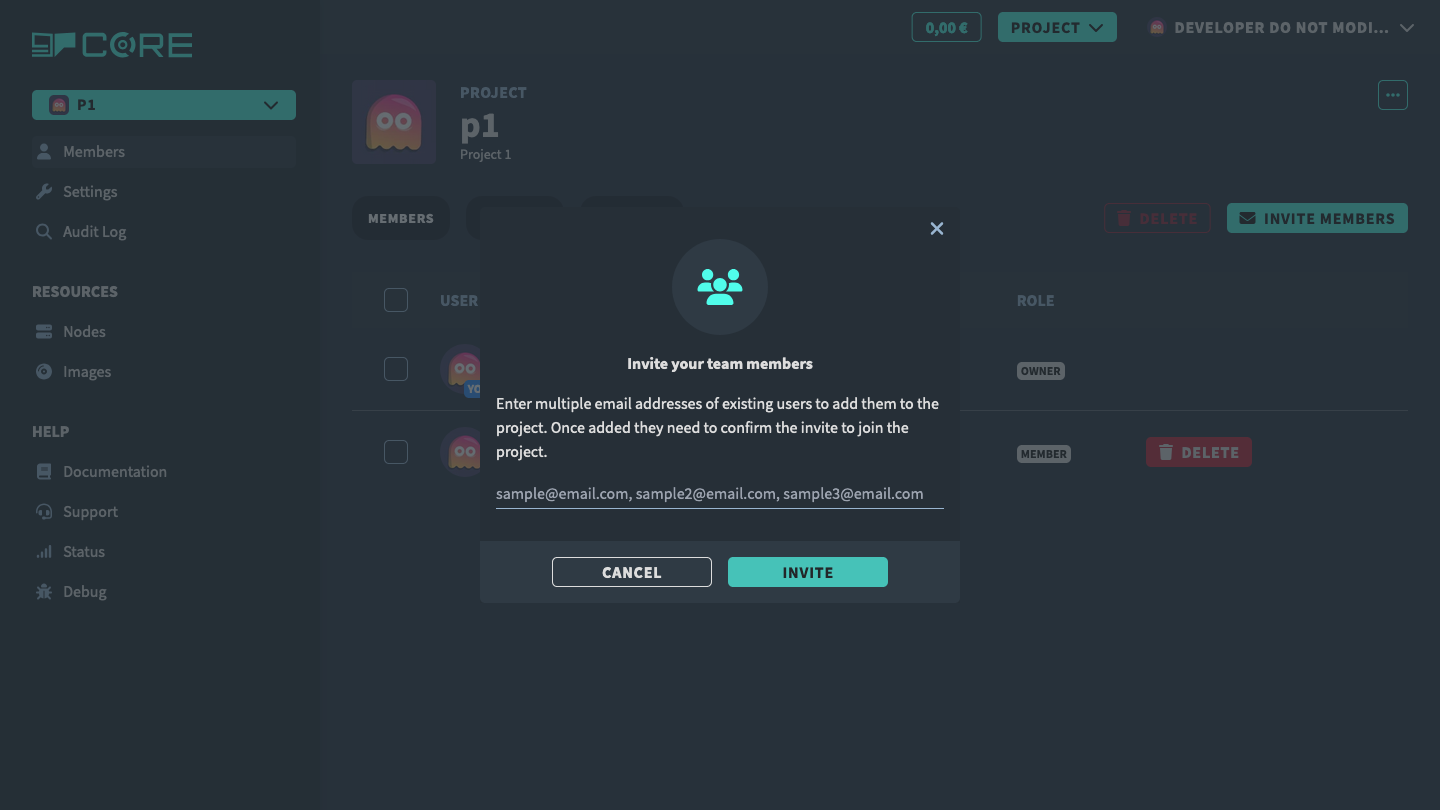
In the modal, you can add the new member or multiple members separated by comma to the project. The new member will get an email with the invitation to the project.
Project settings
In the project settings tab, you can manage the project settings.
- rename the project, change description and environment
- add or change billing information
- upload or change the avatar for the project
- delete the project
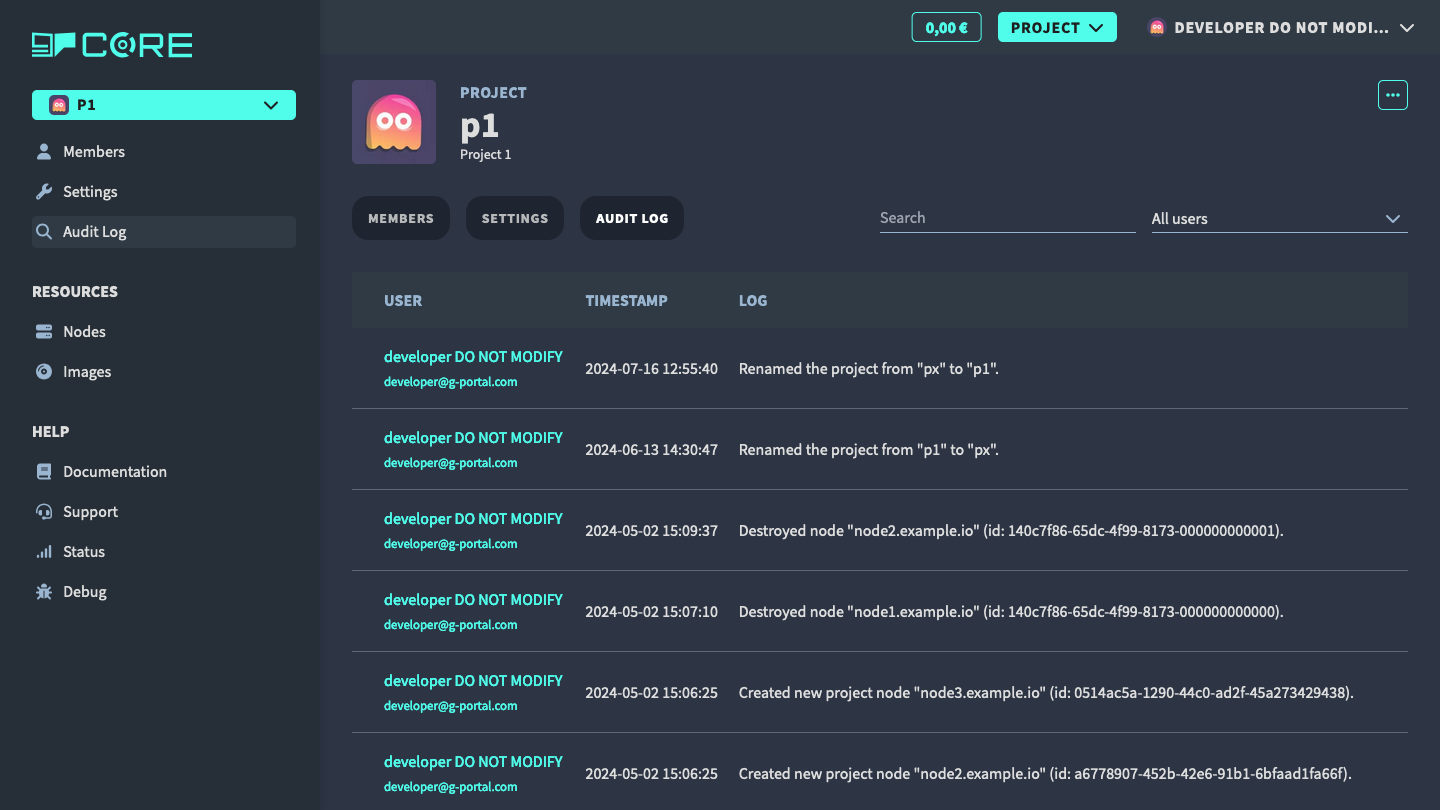
Audit logs
In the audit logs tab, you can see the history of the project. You can see who changed what and when.