Project
Projects are the central organizational unit in GPCORE. All resources — nodes, images, and settings — belong to a project, and access control is managed at the project level. You can be a member of multiple projects and switch between them at any time using the project switcher in the top-right corner of the panel. Each project requires a billing profile before any resources can be created within it.
Create a project
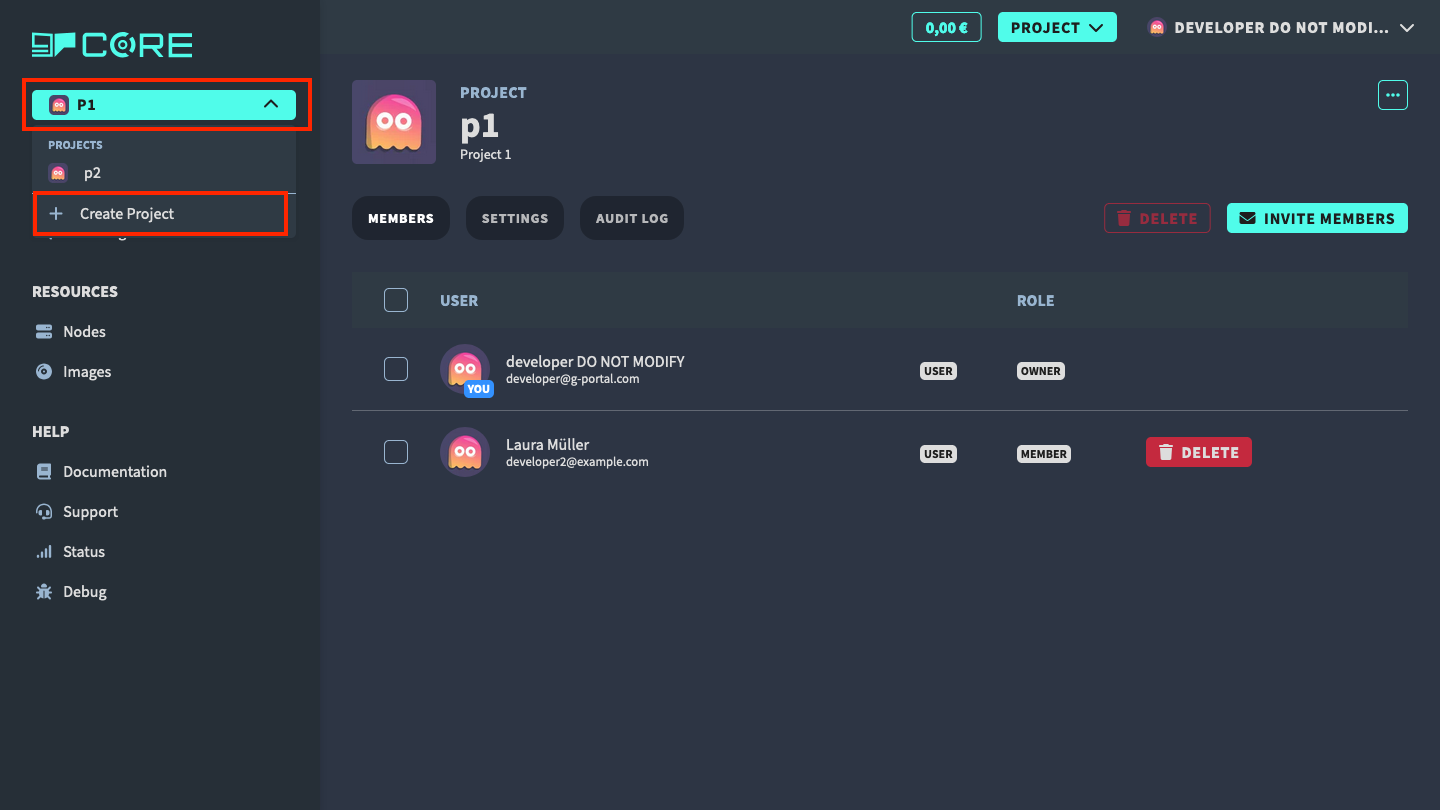
You can create a new project by clicking on the Create Project button in the project switcher.
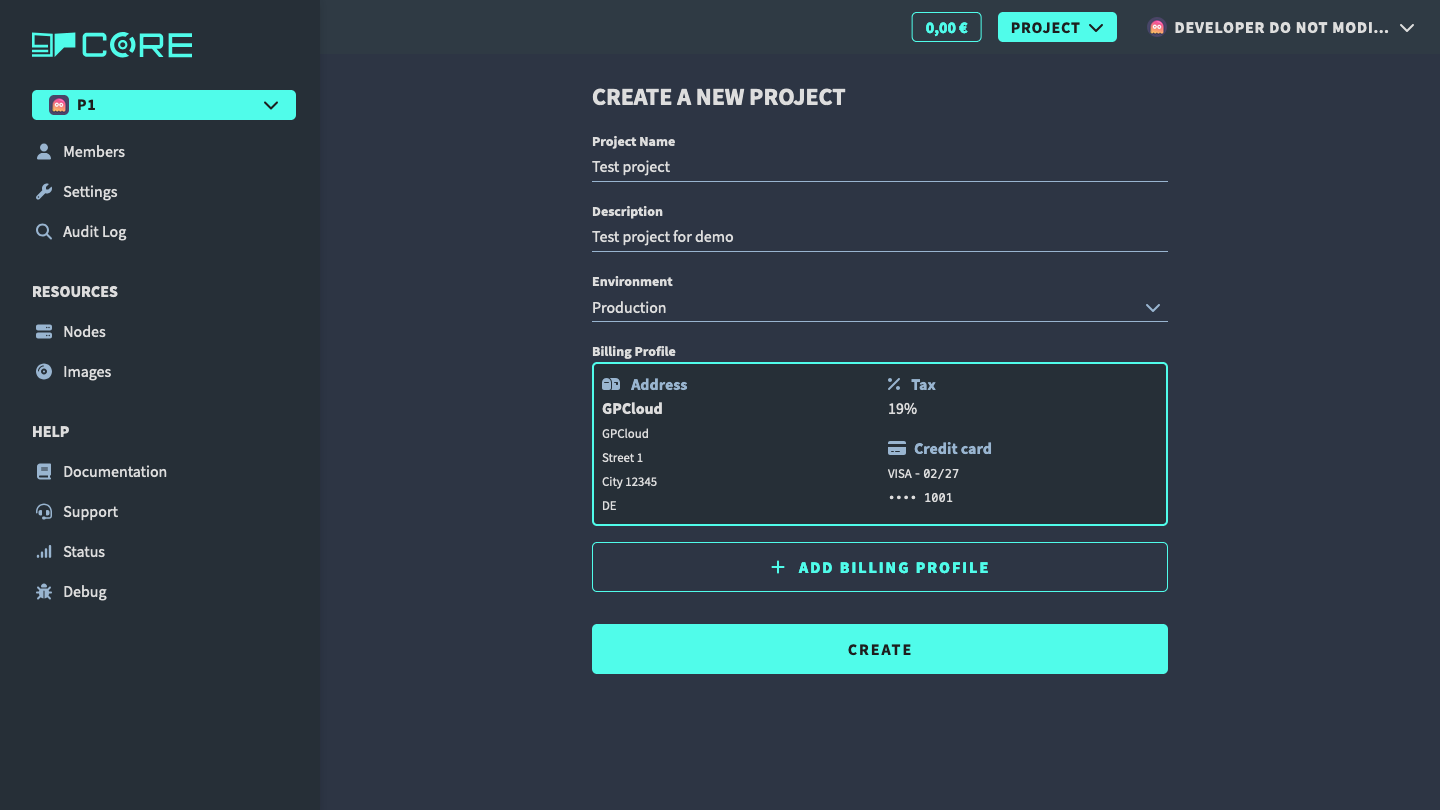
In the project create view, you can set the project name, the project description and the project environment. In order to create the project, you also need to provide billing information. If no billing profile exists yet, you can create one by clicking on the Add Billing Profile button.
Switch between projects
In the project switcher, you can switch between projects. You can see the project name and the project avatar.
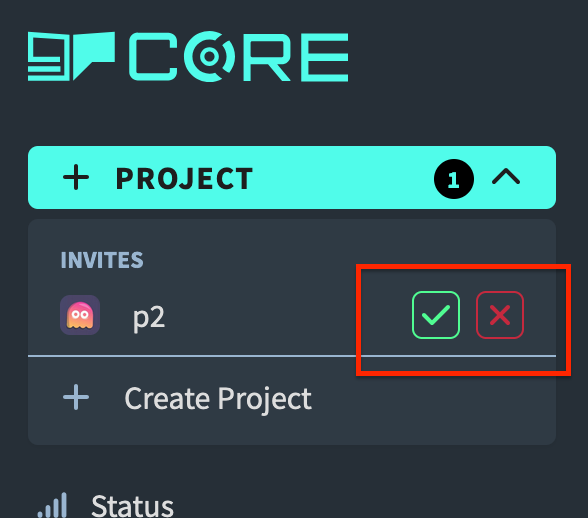
Accept invitation to a project
If you get an invitation to a project, you will see the invite in the project switcher below your projects. Click on the Accept button to accept the invitation. Otherwise, if you decline, the project owner has to invite you again.