Project Nodes
The project nodes view gives you an overview of all nodes running in your project. From here you can monitor the status of each node, search and filter by name or other attributes, and access individual node details. Node-level actions such as renaming, reinstalling, and deleting are available from the detail view. You can also organize nodes using tags for easier filtering and identification across large projects.
Project Nodes view
In the project nodes view, you can see all nodes of the project.
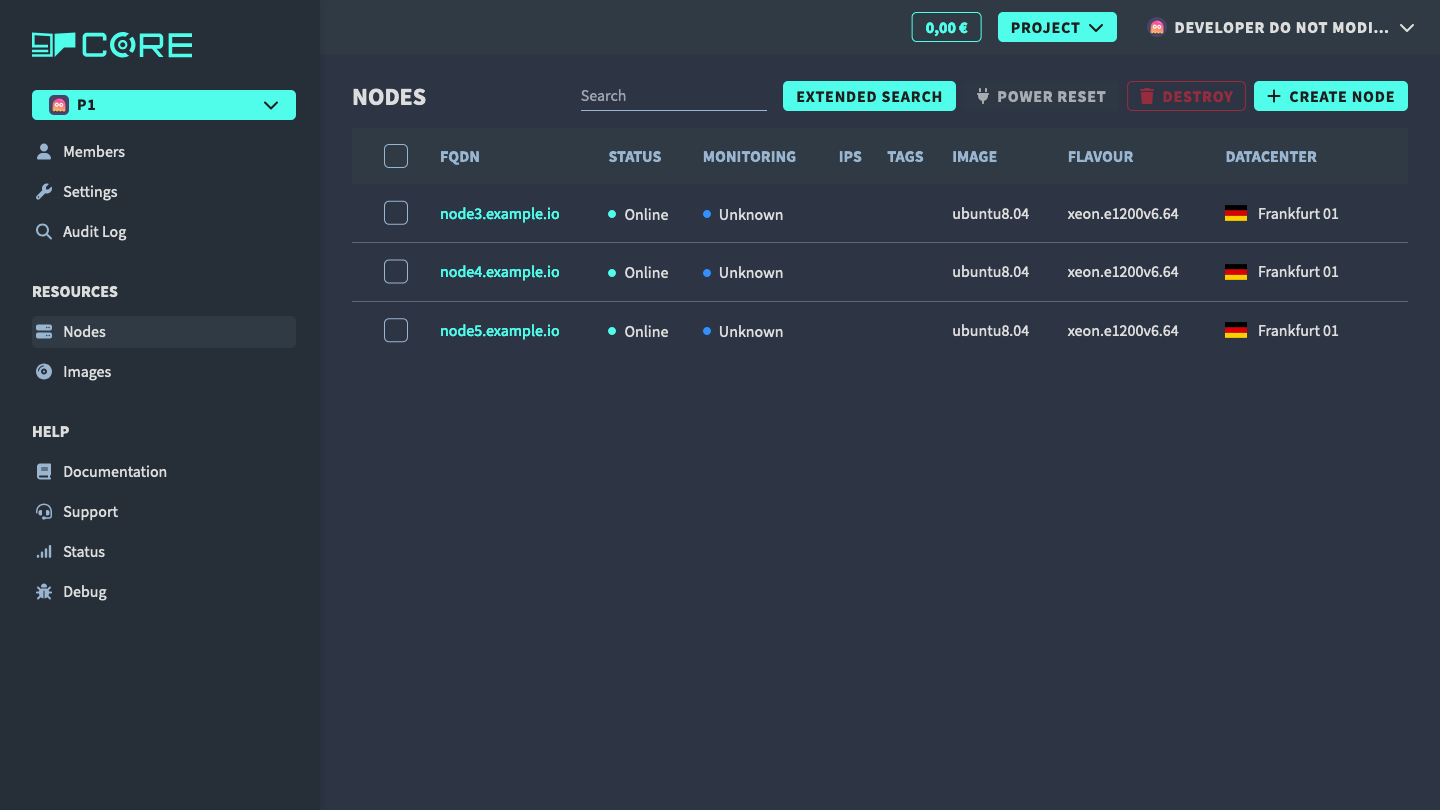
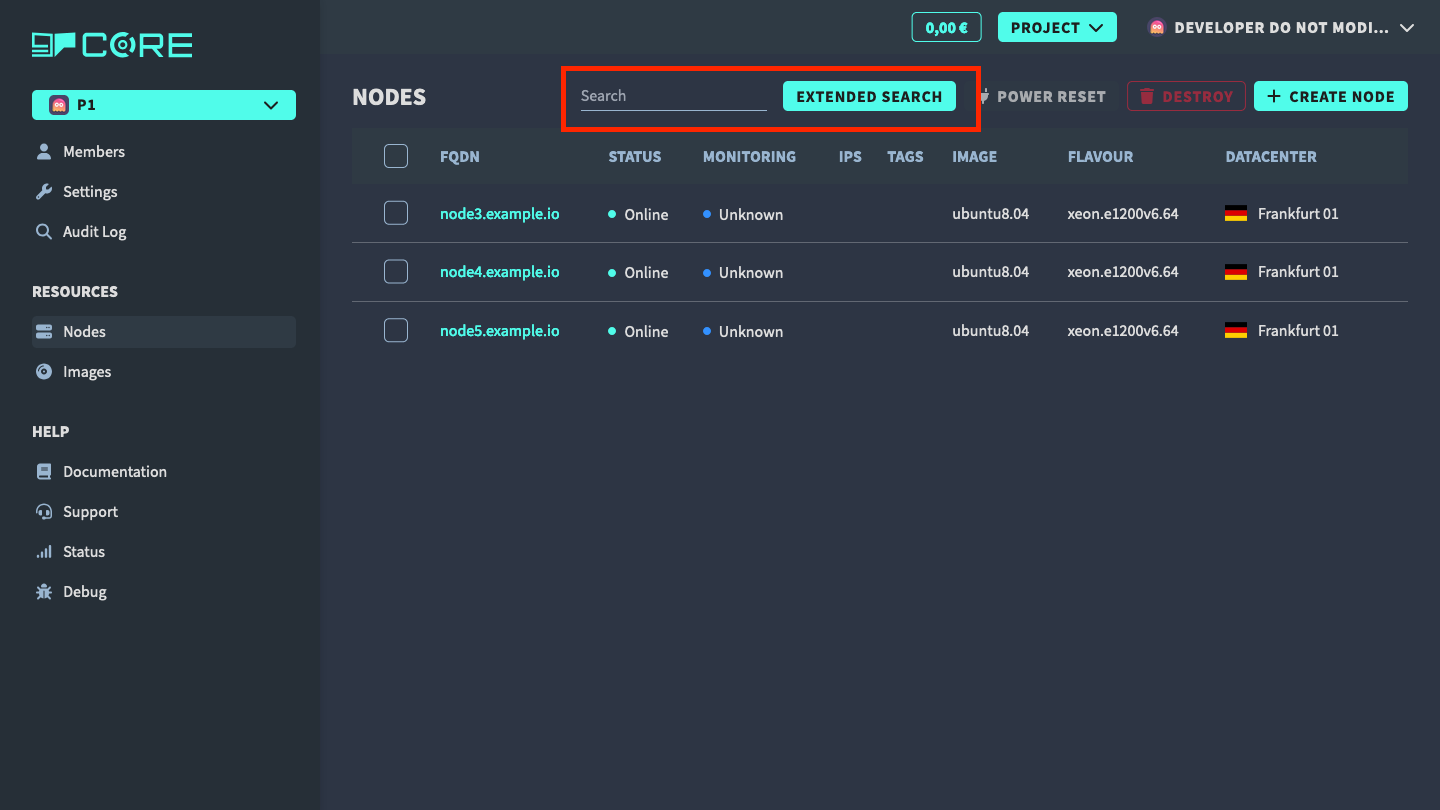
You can use the search bar to filter the nodes by name or use the extended search to filter by more attributes.
Project Node Details
Click on the node name to see more details about the node.
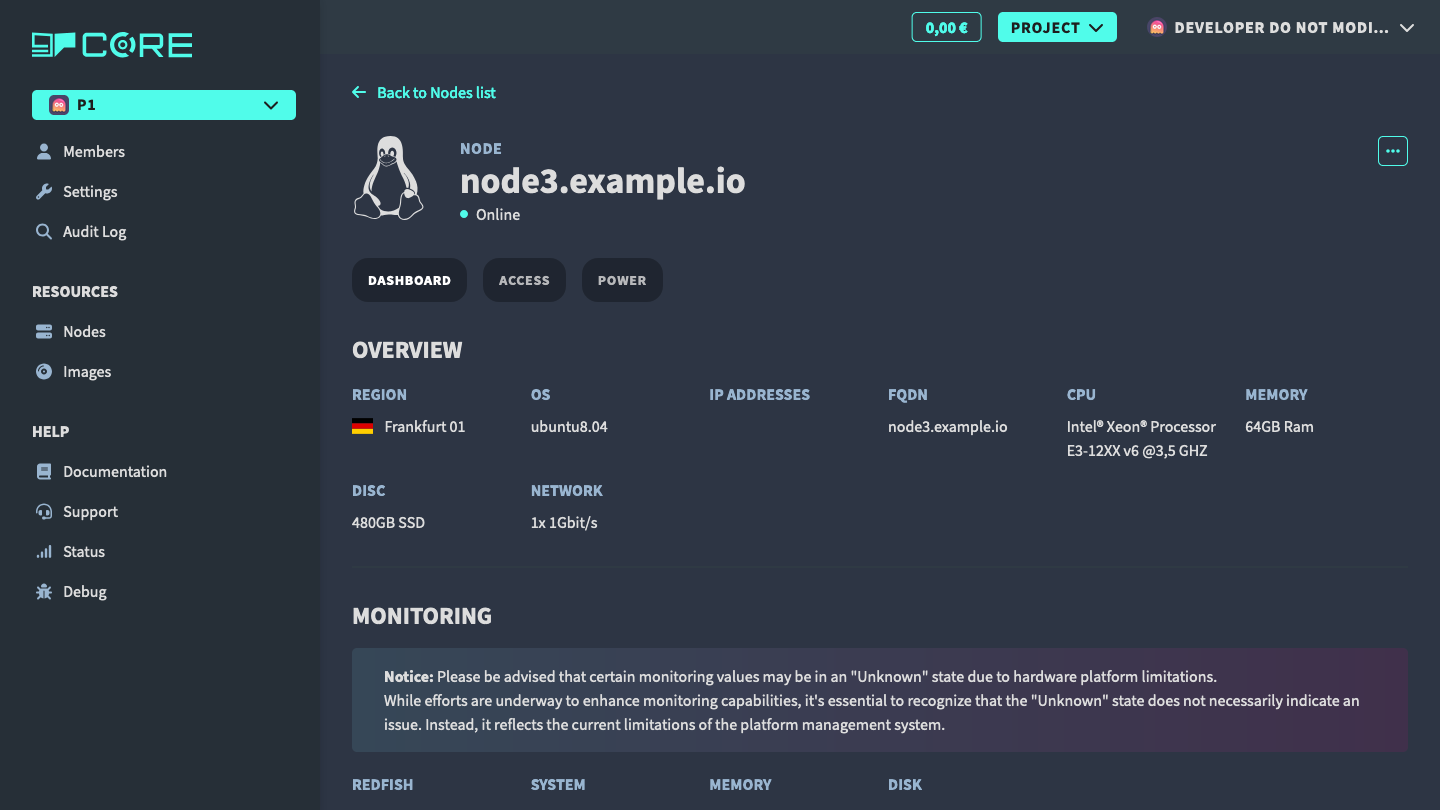
In this view, you get an overview of the node. Also by clicking on the menu, you can access the following actions:
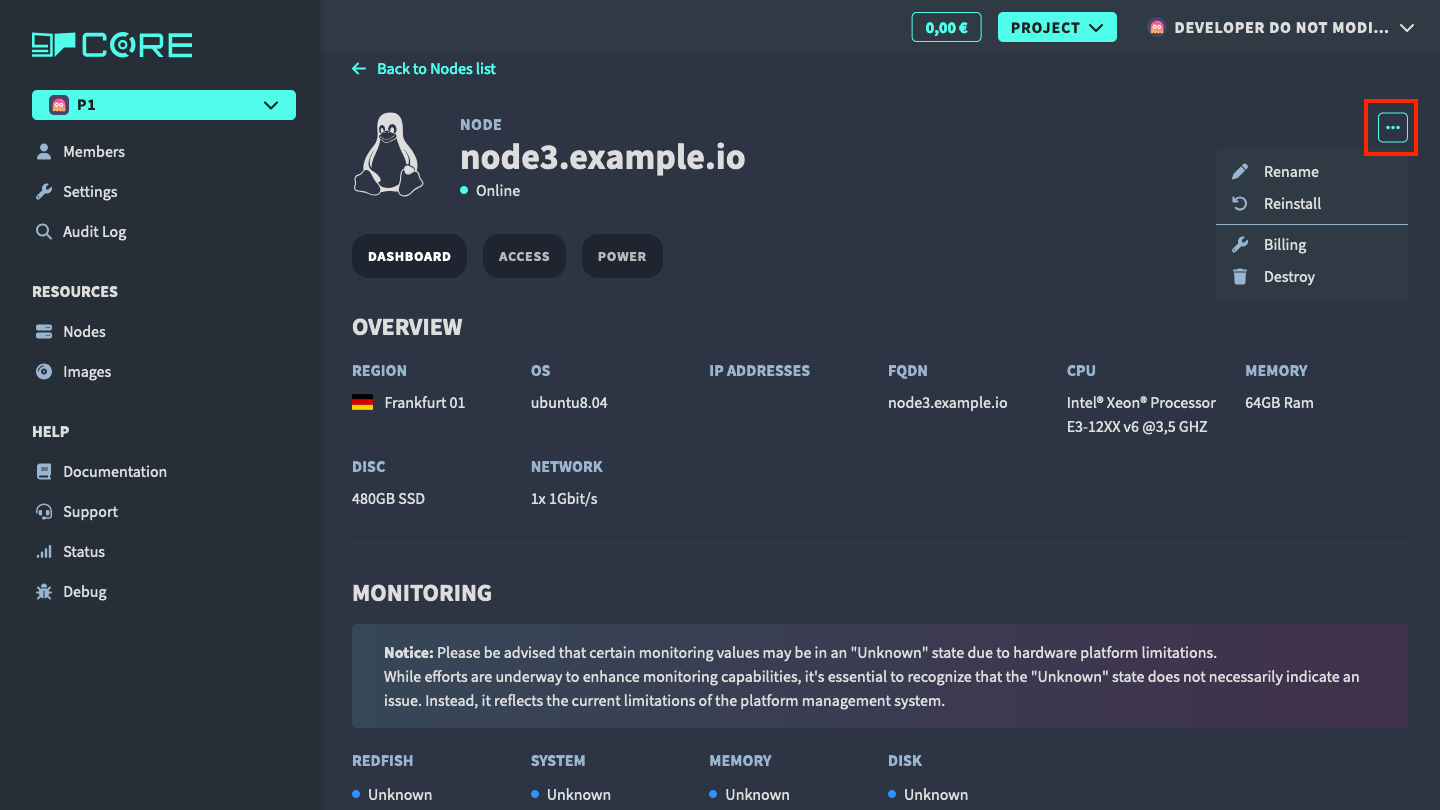
- rename the node
- reinstall the node
- delete the node
Reinstall node
In order to reinstall the node, click on the Reinstall button in the menu. In the next view follow the instructions to reinstall the node.
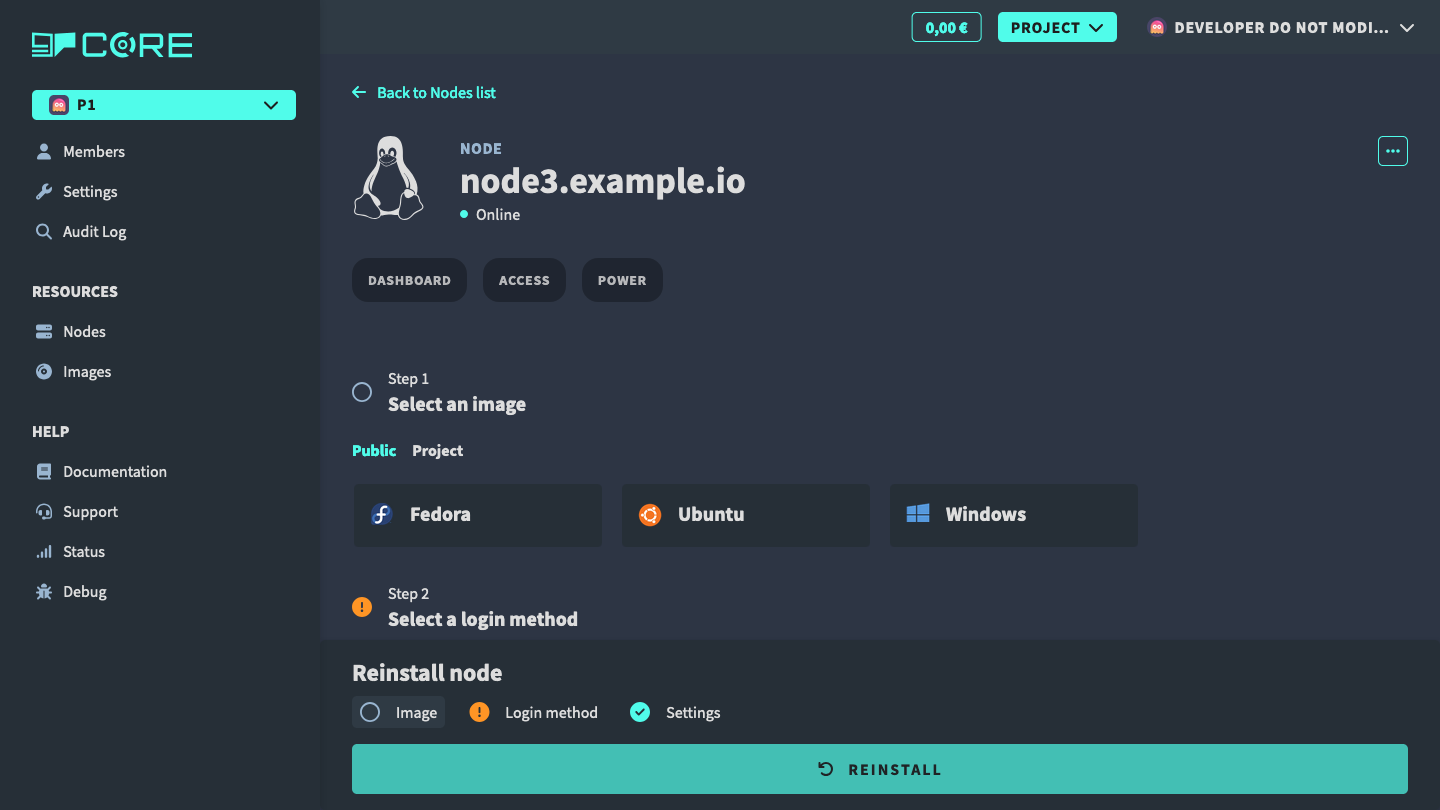
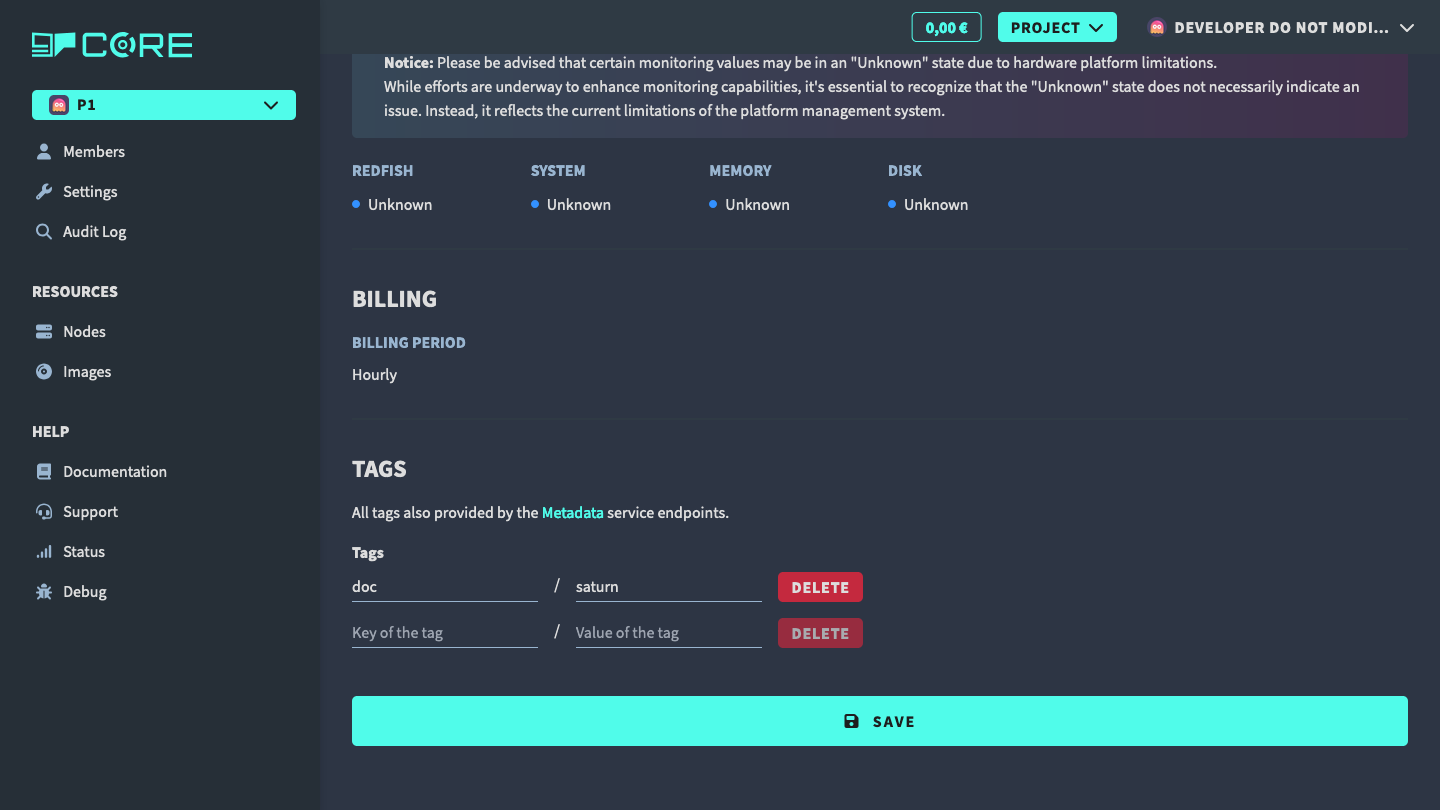
Tagging node
For better organization, you can tag your nodes. Go to the Tags section and assign the key and value of the tag.