Creating an Account
Before you can use GPCORE, you need to create an account on the platform. Registration only takes a few minutes and requires a valid email address. Once your account is created, you will receive a verification email — your account will not be active until you confirm it. After verification, you can log in to the web panel and start setting up your first project.
Registration Steps
-
Open the GPCORE Panel
-
When greeted with the unauthorized page, click on the
Create an Accountbutton.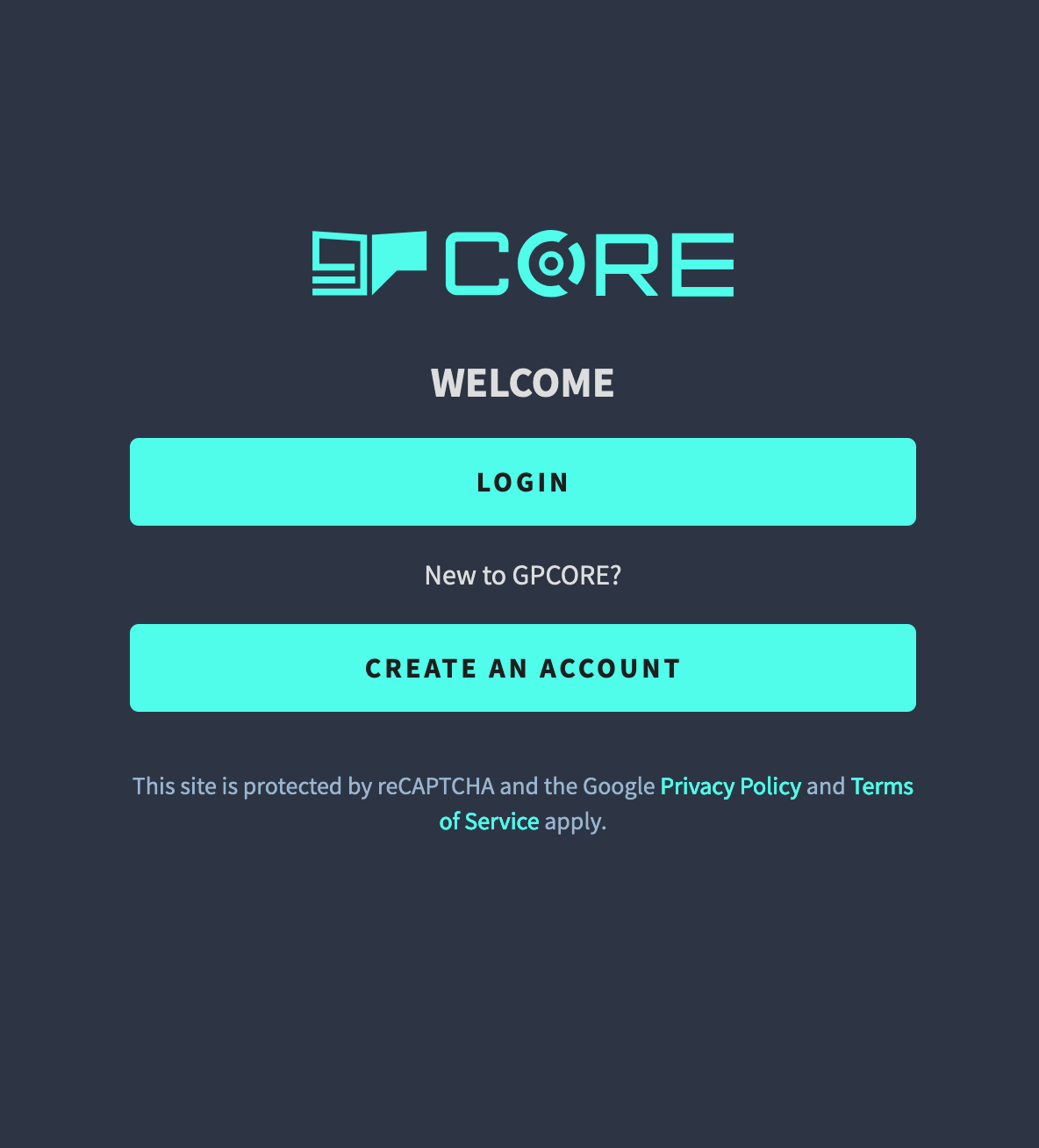
-
Fill in the required fields and click on the
Create Accountbutton.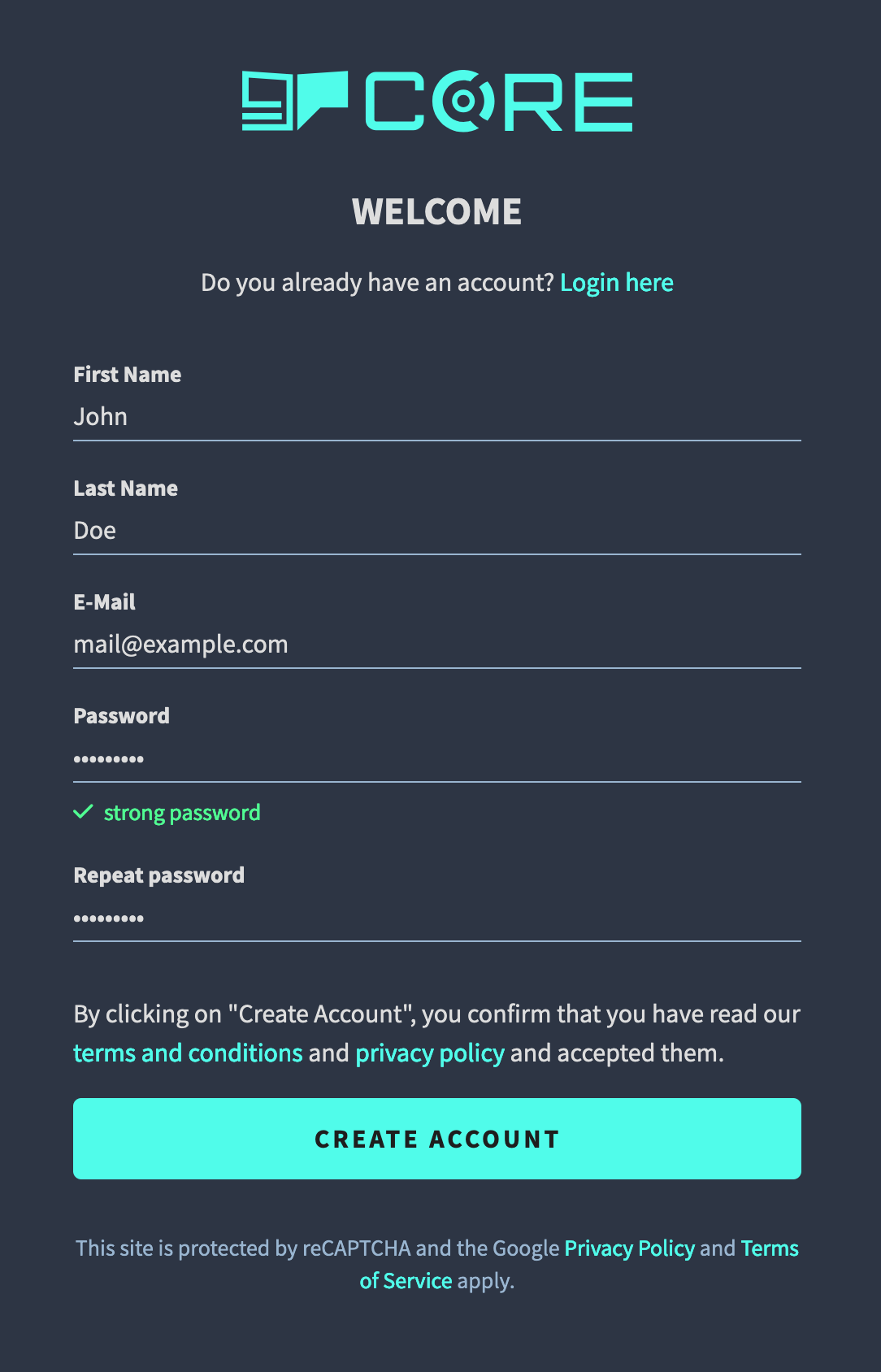
-
After registration, you are required to verify your email address. To do this, open your email and click on the verification link.